Set your company information. This is important for proper configuration of receipts and reports.
To access Company Settings
- In Restaurant Manager, click Settings in the lefthand menu.
- Select Company Settings.
- Specify the settings and click Save.
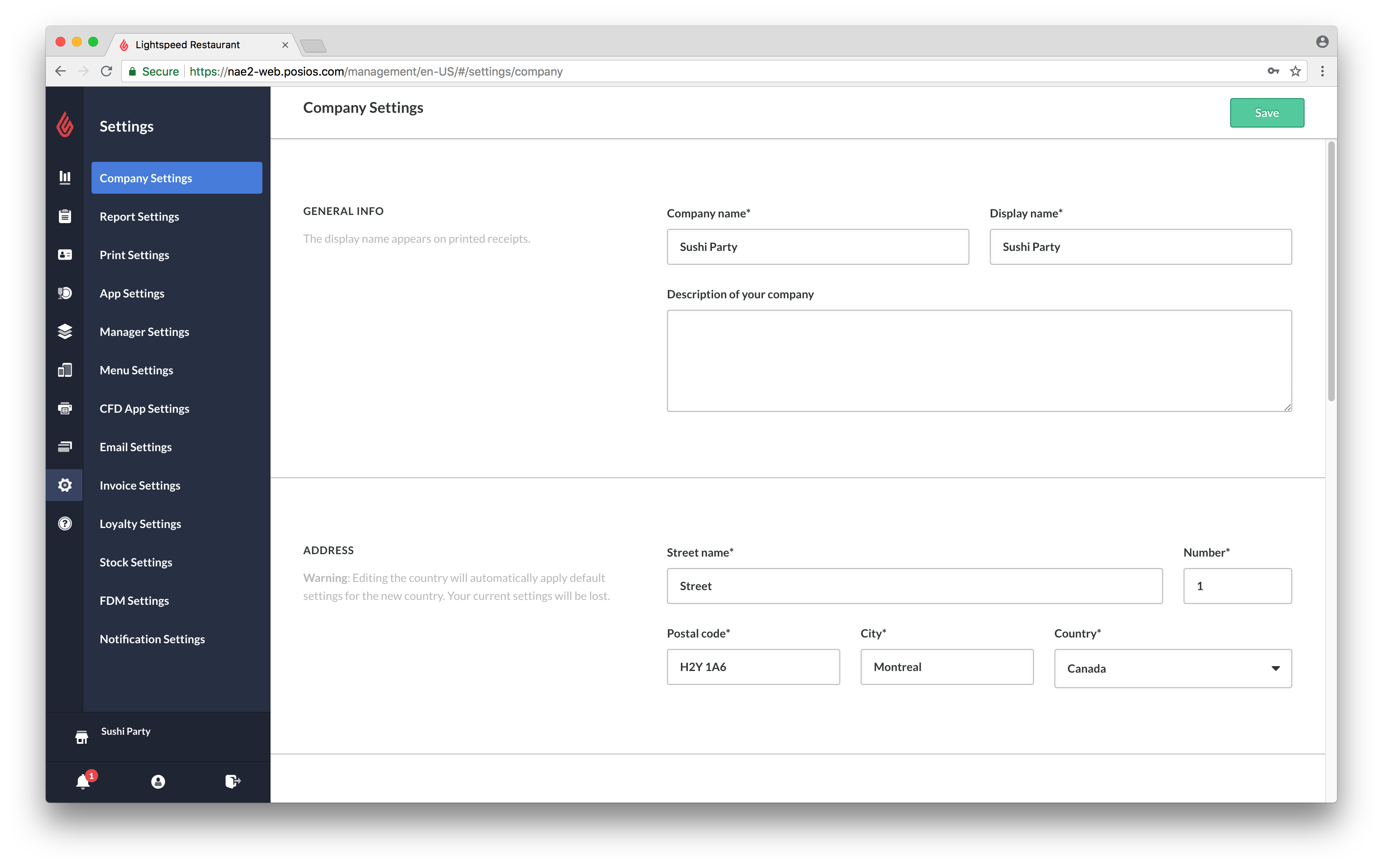
Available settings
| GENERAL INFO |
|
|
ADDRESS |
Editing the country will automatically apply default settings related to that country. All current country settings will be lost.
|
| CONTACT DETAILS |
|
| TAX REGISTRATION NUMBER |
NOTE: Including or excluding VAT has a substantial impact on product prices. To only be used in VAT-inclusive regions. |
| TIME ZONE, DST ID & LOCALES |
Setting the locale ensures all dates and times display in accordance to your region.
|
| COMPANY INFO |
The website URL entered here will display on your receipts.
|